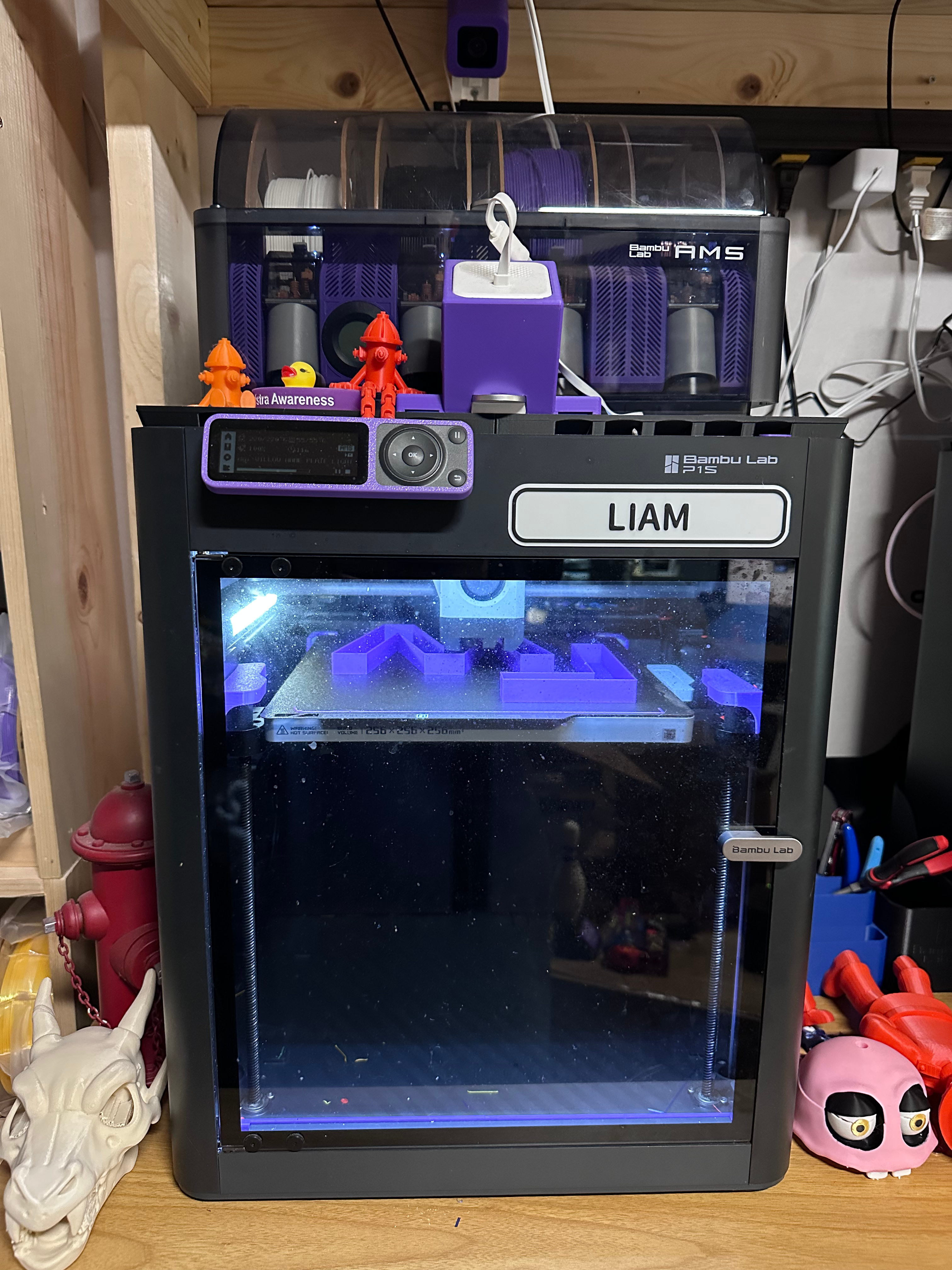
I got my Bambu Lab P1S about 2 weeks ago and have to say I am very impressed. The printer itself is sturdy and reliable. The software is easy to use and intuitive. Overall I would give an excellent rating and would recommend it for those who are new to 3D printing as well as those with experience.
The printer and AMS come in a single box. The AMS is actually shipped inside of the printer. Unboxing the printer was easy. It was well packaged and was not damaged in any way during shipping. The quick-start guide was easy to follow and showed all of the steps in setting up the printer. As long as you follow the guide you shouldn't have any trouble setting up your new printer.
Once you have removed all of the shipping screws and tape, connected the AMS and plugged it in, you should be ready to complete the setup.
After powering the printer on, follow the instructions for connecting the printer to wifi. Once you have connected it to wifi you can connect it to your computer or tablet. I connected mine to my iPad mini. Once you have downloaded the app, you will need to create an account. After logging in to the account you can add the printer. As long as you are on the same wifi connection, setup should be easy. You can scan the QR code or search by pin number. The pin number can be found in the menu on the printer itself.
Once you have added your printer to the app or to Bambu Studio, you are ready to insert your filament. Remove the filament from its packaging and place it in the AMS. Push the end of the filament into the feeder and it should start feeding itself. You can setup the type of filament and the color in the app or in Bambu Studio. If you have Bambu filament it should automaatically detect the filement and add it for you. Once you have loaded your filament you are ready to start printing.
To print you can either search for a model in the app or download one from your favorite model site. Makerworld is the Bambu Lab site and is loaded with models for you to print. Most people print a Benchy for their first print, but you can choose whatever you would like.